Enterprise Administration
The Enterprise Administration module is for Administrators of WebProcure.
It provides a portal to administer Organizations, Users, Addresses, Suppliers and a variety of other configurations.
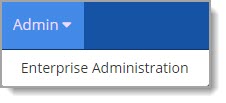
A user with the appropriate privileges may select Enterprise Administration from the Admin menu.

The application opens to the Admin page.
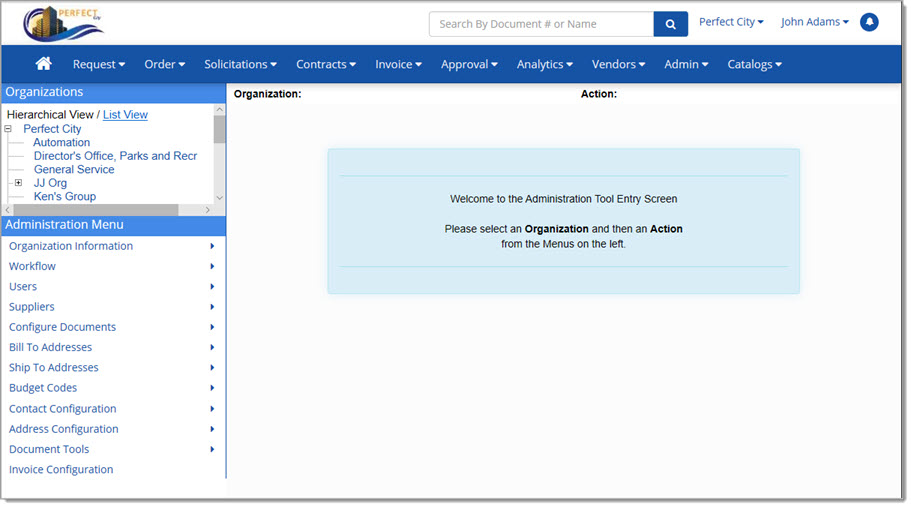
Select Organization
The left pane on this page contains two sections: Organizations and Administration Menu.
-
Organizations - Located in the upper left is the Organizations section.
By default this is a hierarchical view of all organizations associated with the primary or parent organization.
If desired, choose List View to change it to a simple list of organizations.
An organization must first be selected before any administrative functions may be performed.
Once an organization is selected, the following reminder message displays:
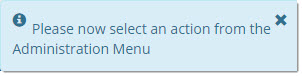
This message will time out on its own or you may hover over the message and locate the X in the upper right corner to manually close this reminder message.
-
Administration Menu - Located lower left is the Administration Menu.
It lists all of the available administrative actions to help manage your organization.
NOTE: Both the Organizations and Administrative Menu sections remain visible in the left pane of the Admin page to allow quick access.
Once an Organization and Action has been selected from the Administration Menu, they will be reflected at the top of the page as shown below:
